

index
Puedes comprar Windows 11 Pro o comprar Windows 10 Pro desde nuestra tienda online.
Introduction
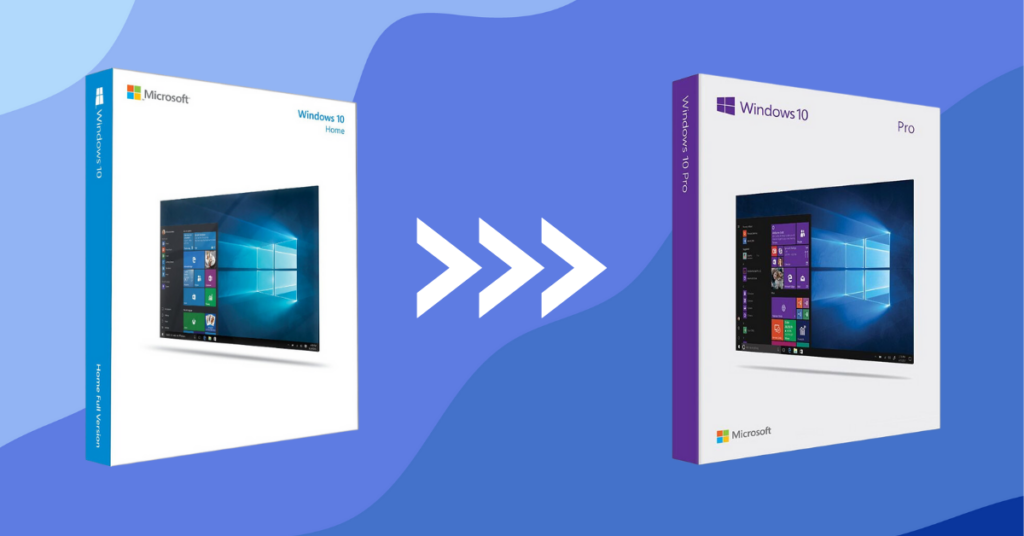
En esta guía, te explicaremos paso a paso cómo puedes actualizar tu sistema operativo de Windows Home a Windows Pro de manera rápida y sencilla. Estos pasos son válidos tanto para Windows 10 como para Windows 11. Este proceso no necesita eliminar los datos de tu equipo ni reinstalar Windows.
Steps to upgrade to Windows Pro:
Step 1: Deactivate the Internet
To do the upgrade is internet must be deactivated of the equipment. To do this, activate aeroplane mode, disconnect the Wi-Fi and, if the device is connected by cable, disconnect the Ethernet cable.
Step 2: Upgrade License
To easily update, go to your computer's settings, Update and Security, and go to the Activation section. If you can't find the section, you can always search for it in the Windows search engine or type "slui" directly into the Windows search engine.
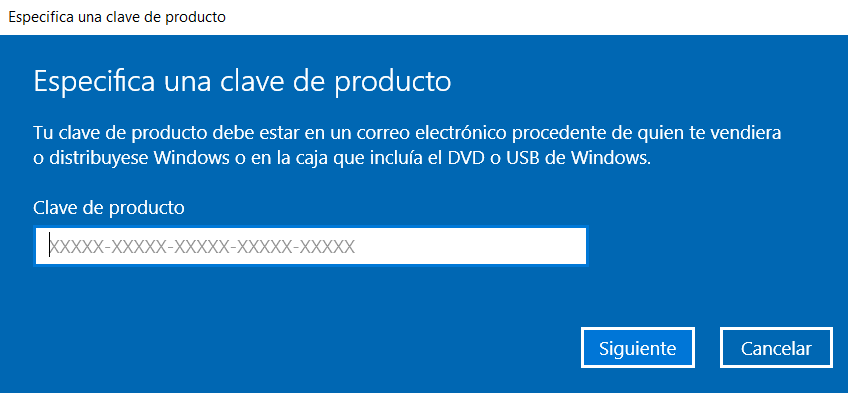
Once in Activation, click on “Change product key” and enter this generic license:
VK7JG-NPHTM-C97JM-9MPGT-3V66T
The license will start an update process that may take several minutes, once finished return to the Activation tab to check that the Edition is the PRO version.
Step 3: Activate the equipment
To activate the device, make sure you are connected to the Internet. Click on change product key and enter the purchased license. If you do not have a license yet, you can purchase your own. on our website:
 Spanish
 English
 Italian
 Dutch
Dutch Portuguese
 German
 Polish
 French