

Windows 11
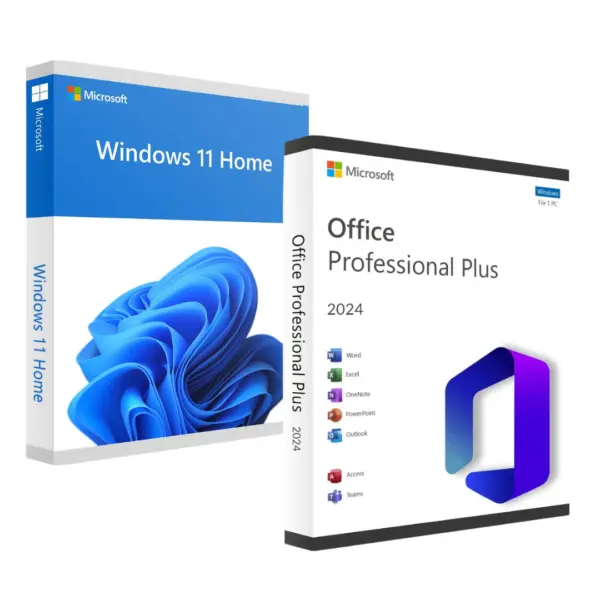
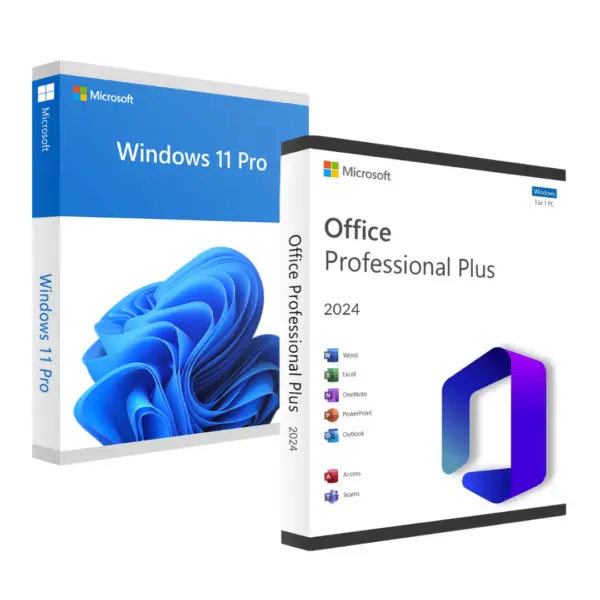
Buy your Windows 11 Key original: permanent license, iinstant email delivery and official Microsoft activation. Choose from Windows 11 Pro o Windows 11 Home.
Showing all 3 resultsSorted by popularity
Showing all 3 resultsSorted by popularity
Windows 11 Key: what is it and how does it work?
One Windows 11 Key is a product key used to officially activate Windows 11. When you buy a Windows 11 license, you will receive a valid activation key for the selected edition. The Windows 11 keys They are delivered by email, with no need to wait for a physical delivery, and activation is carried out via the official Windows channels, without the use of cracks or activators. Buy a Windows 11 license The original version guarantees you security updates and support from Microsoft.
What is a Windows 11 OEM license?
One OEM license It is an original license linked to a specific computer, cheaper than the retail version but with the same permanent activation. It is the most economical option for activating Windows 11 on a single PC. More information at OEM key vs Retail key.
Windows 11 system requirements
- 64-bit compatible processor (Intel 8th gen or AMD Ryzen 2000+)
- 4 GB of RAM and 64 GB of storage
- TPM 2.0
- UEFI with Secure Boot
How to activate Windows 11 with your product key
For activate Windows 11, go to Settings > System > Activation and enter your Windows 11 product key. If you need step-by-step guidance, please refer to our guide How to activate Windows 11. You can also upgrade from Windows 10 to Windows 11.
Where can I buy a genuine Windows 11 license?
For buy a Windows 11 license Original and affordable – compare the Pro and Home editions here. See our guide where to buy genuine Windows 11 licenses and discover Is it legal to buy cheap licenses?.
Windows 11 vs Windows 10: which one should you choose?
If your computer doesn’t meet the Windows 11 system requirements, or if you’re looking for a lighter system, take a look at our category of Windows 10. Both licences are genuine and permanent.
Frequently Asked Questions about Windows 11 licences
Windows 11 Pro or Home?
Have a look at our guide Windows 11 Home vs Pro to choose the edition you need.
How do I activate my Windows 11 key?
For activate Windows 11, go to Settings > System > Activation and enter your passcode. Full guide at How to activate Windows 11.
Where can I buy a genuine Windows 11 license?
For buy a Windows 11 license original, choose from Windows 11 Pro o Windows 11 Home.
Is the Windows 11 license permanent?
Yes, the Windows 11 license It is permanent and does not expire.
What if my PC does not have TPM 2.0?
If your PC doesn’t have it, we recommend Windows 10.
 Spanish
 English
 Italian
 Dutch
Dutch Portuguese
 German
 Polish
 French