
How to Activate Windows 11

Cómo activar Windows 11 – Guía completa paso a paso (2026)

In this step-by-step guide, you will learn how activate Windows 11 securely and legally using a original product key. Once activated, you will be able to enjoy all the functions of the operating system without restrictions.

If you do not yet have Windows installed, you can download it directly from the official Microsoft website: Download Windows 11

¿Qué significa activar Windows 11?

Activar Windows 11 consiste en validar tu copia del sistema operativo mediante una clave de producto digital. Esto confirma que tu licencia es auténtica y te permite acceder a actualizaciones de seguridad, soporte técnico y todas las personalizaciones del escritorio. Sin activación, el sistema muestra una marca de agua en el escritorio y limita algunas opciones de configuración.


El proceso es rápido, no requiere conocimientos técnicos avanzados y puede completarse en pocos minutos si dispones de la clave correcta.

Steps to activate Windows 11:

Step 1: Access Activation Settings

  1. Open the menu Home and click on Configuration (gear icon).
  2. Go to Updating and SecurityActivation.
  3. Here you will see the activation status of your Windows and the installed edition (Home, Pro, etc.).

💡 Important: If you have Windows Home and you want to switch to Windows ProYou must first upgrade your edition before activating. You can follow this official Microsoft guide to upgrade from Home to Pro: Upgrade from Windows 11 Home to Pro

Step 2: Purchase a Product Key
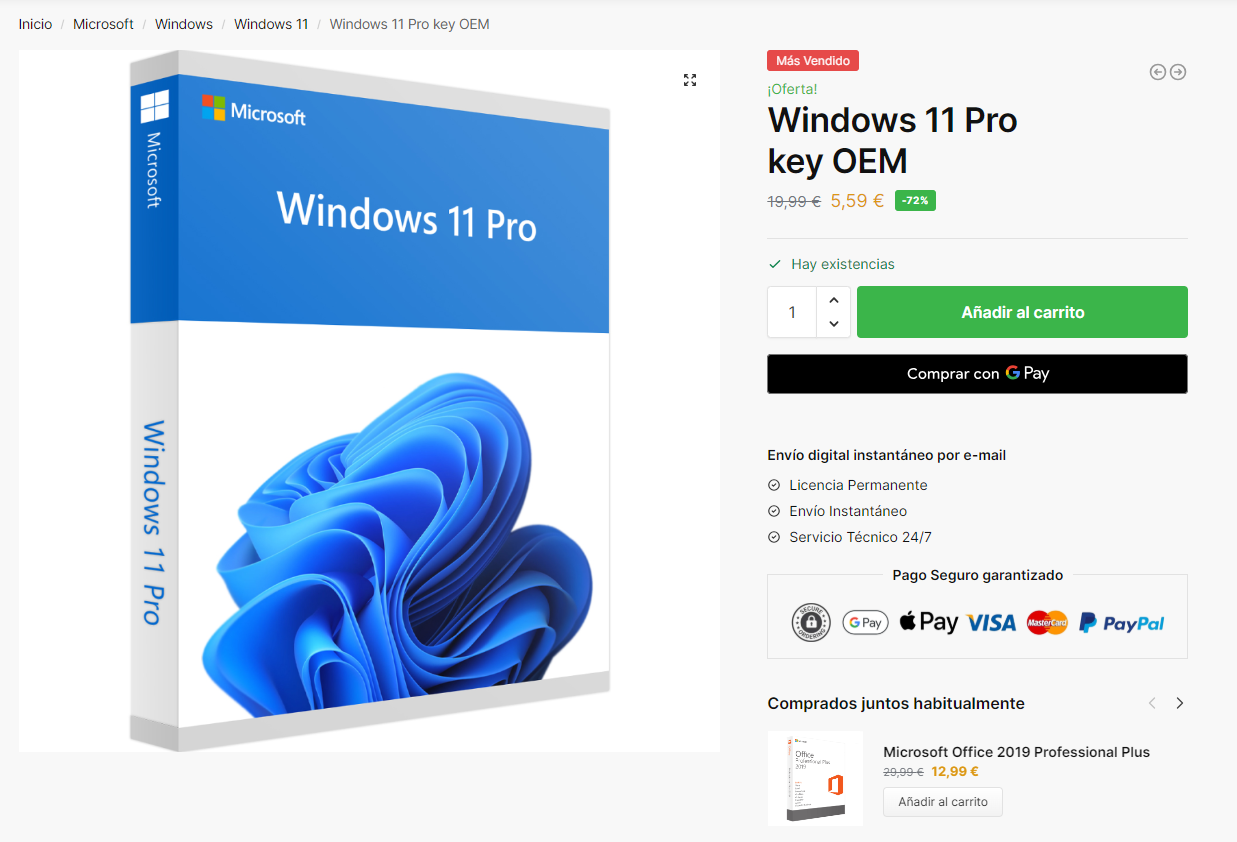
buy windows 11 pro

 To activate Windows, you need a genuine product key. If you have not yet purchased a genuine Windows 11We invite you to visit our website win10cdkeys.com to obtain a cheap and original licence.

Acquiring a legal licence is essential to comply with Microsoft's policies and to ensure full access to all Windows features, including security updates and official support.

🛒 Buy Windows 11 Pro

🛒 Buy Windows 11 Home

You will automatically receive the licence by email after purchase. Activate your Windows today and enjoy all its benefits!

Step 3: Enter the Product Key
Cómo activar Windows 11 - Guía completa paso a paso (2026)

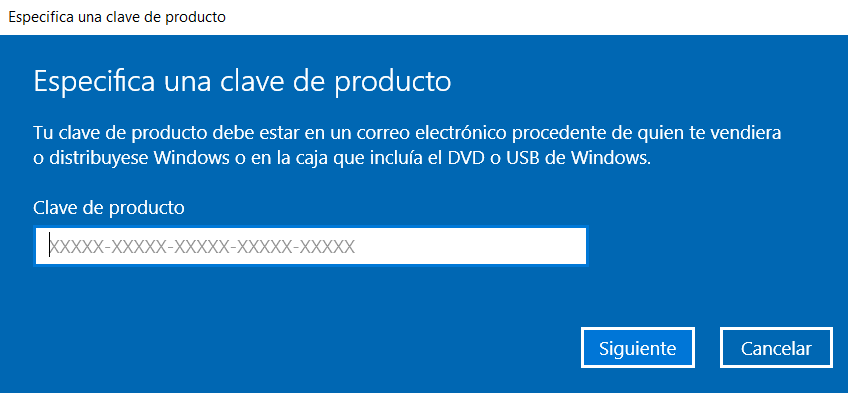
From the activation settings click on "change product key". and enter the previously purchased license, click next and then click Activate to complete the activation of Windows 11.


Conclusion

In this guide we have looked at how to activate Windows 11 for different editions quickly and legally. If you have any questions about the process or the activation licences, you can contact our customer service.



¿Qué diferencia hay entre Windows 11 Home y Pro para la activación?

El proceso de activación es idéntico para ambas ediciones: introduces los 25 caracteres de la clave y el sistema se activa automáticamente. La diferencia está en las funciones disponibles, no en el método de activación.

¿Es legal comprar una clave de Windows 11 barata en tiendas online?

Sí, siempre que el vendedor sea un distribuidor legítimo. Las claves que vende Win10cdkeys.com son licencias digitales originales de Microsoft. El precio más bajo respecto a la tienda oficial se debe al canal de distribución, no a que sean piratas o de dudosa procedencia.

¿Cuánto tiempo tarda en activarse Windows 11?

La activación online con clave de producto suele completarse en menos de un minuto si tienes conexión a internet. El sistema contacta con los servidores de Microsoft, valida la clave y confirma la activación de forma automática.

¿Qué pasa si formateo el PC? ¿Pierdo la activación?

No, siempre que uses el mismo hardware. Si la licencia está vinculada digitalmente a tu cuenta Microsoft o al firmware del equipo (OEM), la activación se restaura automáticamente al reinstalar Windows 11 en el mismo PC. Con una licencia Retail también puedes reactivar manualmente introduciendo la clave de nuevo.
Leave a Reply

Your email address will not be published. Required fields are marked *

Instant Email Delivery

Digital sending by Email

30 Day Replacement

Guarantee in case of error

International Support

24/7 technical support

100% Secure Payments

Card / Google Pay / Apple Pay