

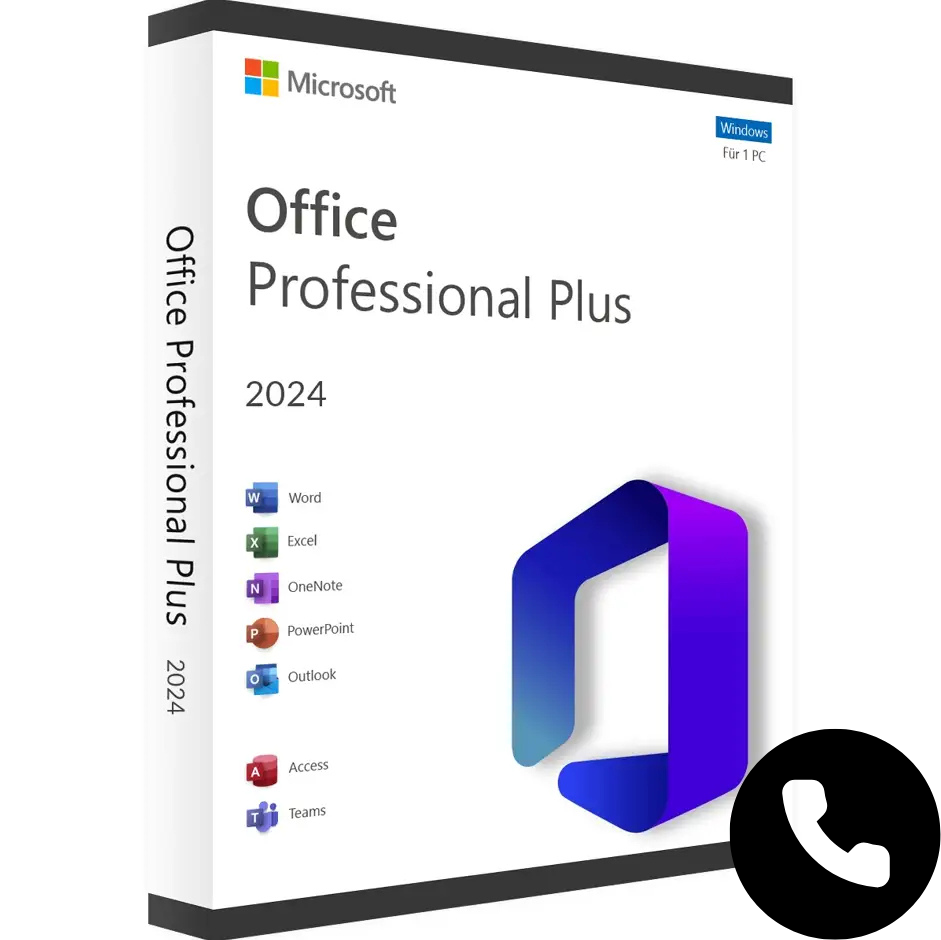
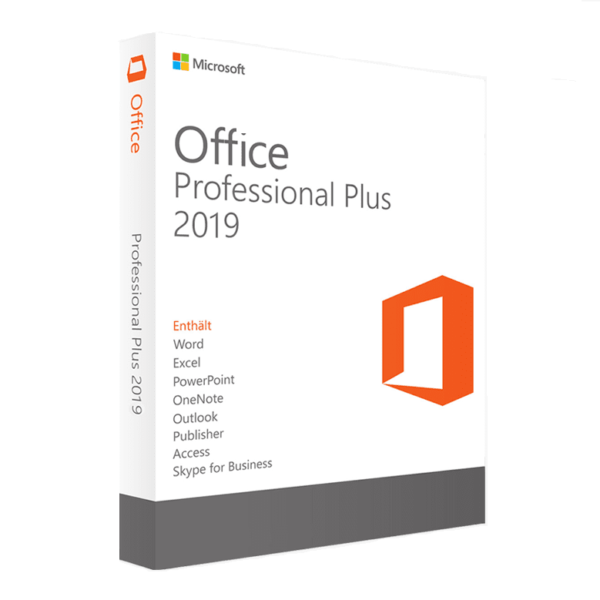
Office 2024 Professional Plus LTSC License - One Time Payment, No Subscriptions
Get your genuine Microsoft Office 2024 Professional Plus LTSC license at the best price. With this key you activate the complete Office suite permanently on 1 PC via telephone activation - the official Microsoft method for LTSC licenses. No subscriptions, no annual payments, no expiration.
You will receive the product key by email in less than 5 minutes along with step-by-step activation instructions.
Applications included in Office 2024 Professional Plus
- Word 2024 - advanced word processor for creating, editing and sharing professional documents
- Excel 2024 - spreadsheets with new functions: SEARCHX, GROUPBY, PIVOTBY, dynamic matrices and improved graphics.
- PowerPoint 2024 - presentations with enhanced animations, video recording and integrated live camera (Cameo)
- Outlook 2024 - complete management of email, calendar, contacts and tasks
- Access 2024 - relational databases for professional and business environments
- OneNote 2024 - organisation of notes, ideas and projects
- Teams - classic desktop version included
Office 2024 LTSC vs Microsoft 365 - which is right for you?
| Office 2024 Pro Plus LTSC | Microsoft 365 | |
| Payment | ✅ One-off, without renewals | 100/year, expires if you stop paying |
| Licence | Permanent for 1 PC | Temporary, linked to subscription |
| Updates | Security and corrections | New continuous functions |
| Cloud storage | Not included | 1 TB OneDrive included |
| Internet connection | Not required for use | Recommended for full functions |
| Ideal for | ✅ Stable professional use without surprises | Intensive collaborative work in the cloud |
If you are self-employed, in an SME or simply don't want to be dependent on a monthly subscription, Office 2024 Pro Plus LTSC is the smarter, more cost-effective long-term choice..
What is telephone activation and how does it work?
⚠️ Important: Office 2024 LTSC not activated from setup.office.com as previous versions. Telephone activation is the only valid method for this licence and is the official Microsoft process. It does not require speaking to a person - it is a fully automated system.
Steps to activate Office 2024 with telephone activation
- Download Office 2024 from the official link you will receive with your order (not from setup.office.com).
- Install Office on your PC - the process takes about 10 minutes.
- Open any Office application (e.g. Word) and go to File → Account → Activate product and enter the 25-character key received by email.
- When the wizard asks you how to activate, select «I want to activate the software by phone».».
- The system generates a Installation ID - enter it into Microsoft's automated system https://aka.ms/aoh.
- You will receive a Confirmation ID - enter it in the wizard to complete the activation.
- Office 2024 is permanently activated on your PC.
We include detailed instructions with every order. If you have any questions at any step, our 24/7 technical support helps you by WhatsApp or email in minutes.
Minimum system requirements
| Operating system | Windows 10 (upgraded) or Windows 11 |
| Processor | 1.6 GHz with 2 cores (64 bit) |
| RAM | 4 GB minimum |
| Storage | 4 GB of available space |
| Screen | Resolution 1280 × 768 minimum |
| Mac compatible | ❌ Windows only - for Mac see Office 2024 Home & Business |
Why buy on Win10cdkeys?
- ✅ Official Microsoft Partner - verified on Microsoft AppSource
- ✅ 4.9 on Trustpilot with more than 300 verified ratings
- ✅ Delivery in less than 1 minute by email, available 24/7
- ✅ Activation guarantee - if the key fails, we replace it
- ✅ 24/7 technical support in English via WhatsApp and email
- ✅ Secure payment with card, Google Pay and Apple Pay
Do you also need Windows 11?
If you also need an operating system, get your Windows 11 Pro license from €7.95 and equip your entire PC for less than €21.
 Spanish
 English
 Italian
 Dutch
Dutch Portuguese
 German
 Polish
 French