



Office 365 licence with a 1-year account
With this Office 365 account you get Word, Excel, PowerPoint, Outlook, OneNote and Teams, always in their latest version, on PC, Mac, tablet and mobile, plus 100 GB of OneDrive storage.
It is not a key: you receive a username and password by email. The first time you sign in, you change the password and the account is ready.
What's included
- Microsoft Office 365 account with username and password (not a licence key).
- It is activated by changing the password the first time you sign in.
- Works on the web, Windows, macOS, Android, iOS and iPadOS.
- The full Office 365 suite plus other web apps such as PowerApps and SharePoint.
- 100 GB of OneDrive storage.
- 1-year replacement guarantee if the account has any problem.
Is there a perpetual Office 365 licence?
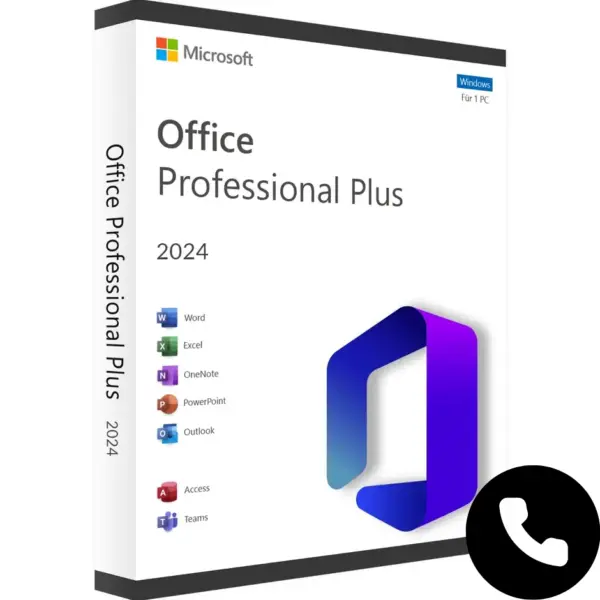
No. Office 365 works by periods and this account lasts 1 year. If you want to pay once and have Office forever, choose a perpetual licence for 1 Windows PC:
| Office 365 (1 year) | Office 2024 (perpetual) | |
|---|---|---|
| Payment | Per year | One-time |
| Devices | PC, Mac, tablet and mobile | 1 Windows PC |
| Version | Always the latest | 2024 |
| OneDrive | 100 GB | No |
How to start using your Office 365 account
- You receive the username and password by email and in «My account».
- Sign in at office.com and change the password.
- Download the apps or use them in your browser.
Frequently asked questions
Is it an Office 365 key? No, it is an account with a username and password. You don't need to enter any key.
Does it work on a Mac? Yes, on macOS, Windows, iOS, iPadOS and Android.
How do I receive the account? By email, and also in «My account» on our store.
 Spanish
 English
 Italian
 Dutch
 Portuguese
 German
 Polish
 French