

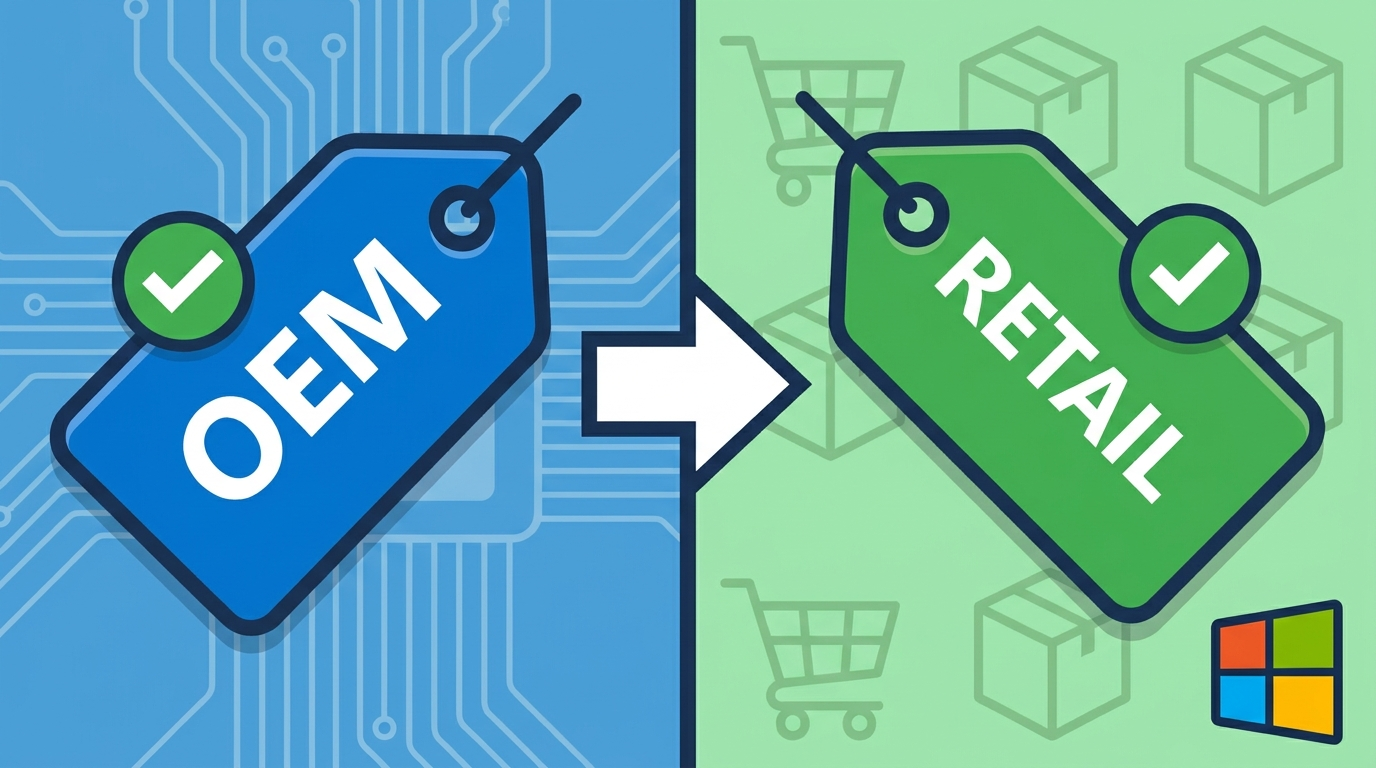
When buying a Windows product key, you’ll come across two types, and it’s worth knowing which one to choose: OEM y Retail. Understanding the difference in a OEM key vs Retail key It helps you avoid paying more than you need to or ending up with a licence that isn’t right for you. In this guide, we explain what each one is, how they differ, and which one is best for you, depending on whether you use just one computer or switch between computers frequently.
What is an OEM licence?
The OEM license (Original Equipment Manufacturer) is the same type of licence that comes pre-installed on new computers. It permanently activates Windows and ensures you receive all security updates, but it is part of the team where it is first activated: it is not intended to be transferred to another computer. It is the most economical option and the one chosen by most users who simply want to activate their PC legally.
Windows 11 Pro OEM Key — Genuine Digital Licence
Windows 11 Pro OEM licence: buy the genuine key at the best price
What is a retail licence?
The Retail licence is the «retail» version designed for the end user. In day-to-day use, it works exactly the same as the OEM version, but with one advantage: it is transferable. If you change your computer or replace key components such as the motherboard, you can unlink it from your old machine and activate it on the new one. Because of this flexibility, the Retail version is priced slightly higher.
Windows 11 Pro Retail Key — Genuine transferable licence for 1 PC
Windows 11 Pro Retail licence: the one you can move to another PC
The Windows 11 Pro Retail key is the full Windows 11 Pro licence that Microsoft sells to consumers. It has the same features as the OEM version, with one important difference: it is not tied to your motherboard. If you change computer, you deactivate it on the old one and activate it on the new one.
OEM vs Retail: key differences
Here is a quick comparison of a licence OEM vs Retail so you can see at a glance what’s changed:
| Feature | OEM | Retail |
|---|---|---|
| Permanent activation | Yes | Yes |
| Security updates | Yes | Yes |
| All Windows features | Yes | Yes |
| Transferable to another PC | No | Yes |
| Price | Lower | A bit older |
| Best for | A single fixed team | Anyone who is changing their PC or upgrading their hardware |
As you can see, in terms of performance and updates there is no difference: both activate Windows in the same way. The only real difference is the transferability.
Which one’s right for you?
The decision is simple:
- Select OEM if you’re going to use the licence on a single computer and don’t plan to change it any time soon. It’s the cheapest option and is perfectly adequate for normal use.
- Choose Retail if you change your computer frequently, build your own PCs or plan to upgrade your motherboard at a later date. You pay a little extra in exchange for being able to transfer the licence.
Why does the Retail licence cost more?
Many people wonder why there is a difference in price if they activate Windows in the same way. The answer is that flexibility: With Retail, you don’t pay for higher returns, but for the opportunity to reuse the licence on another computer in the future. If you know you’re going to be using the same device for years, the OEM saves you money without compromising on day-to-day use.
Where to buy your genuine Windows 11 product key
At Win10cdkeys, you have two options: genuine keys and immediate delivery by email:
- Windows 11 Pro OEM: the most cost-effective option for permanently activating your device.
- Windows 11 Pro Retail: licence transferable between computers, ideal if you change your PC.
Both include replacement guarantee y 24/7 technical support until your system is activated. You can refer to Microsoft’s official documentation on the Types of Windows activation if you’d like further information.
Frequently asked questions
Does the OEM licence receive updates?
Yes, just like the Retail version: it receives all Microsoft security updates.
Can I transfer an OEM licence to another computer?
No. The OEM licence is tied to the first computer on which it is activated; to switch to a different PC, you would need a retail licence.
Is it worth paying more for the Retail version?
Only if you plan to change your computer or upgrade the motherboard. If it’s for a desktop PC, the OEM version offers the best value for money.
Are both of them genuine and legal?
Yes, both the OEM and Retail versions activate Windows legitimately via Microsoft’s official servers.
In summary
- OEM vs Retail: both activate Windows permanently and offer the same features.
- The OEM It’s cheaper, but it’s tied to a specific device.
- The Retail it costs a bit more and it’s transferable to another PC.
- For a single computer, the OEM version; if you change your computer, the Retail version.
 Spanish
 English
 Italian
 Dutch
Dutch Portuguese
 German
 Polish
 French