

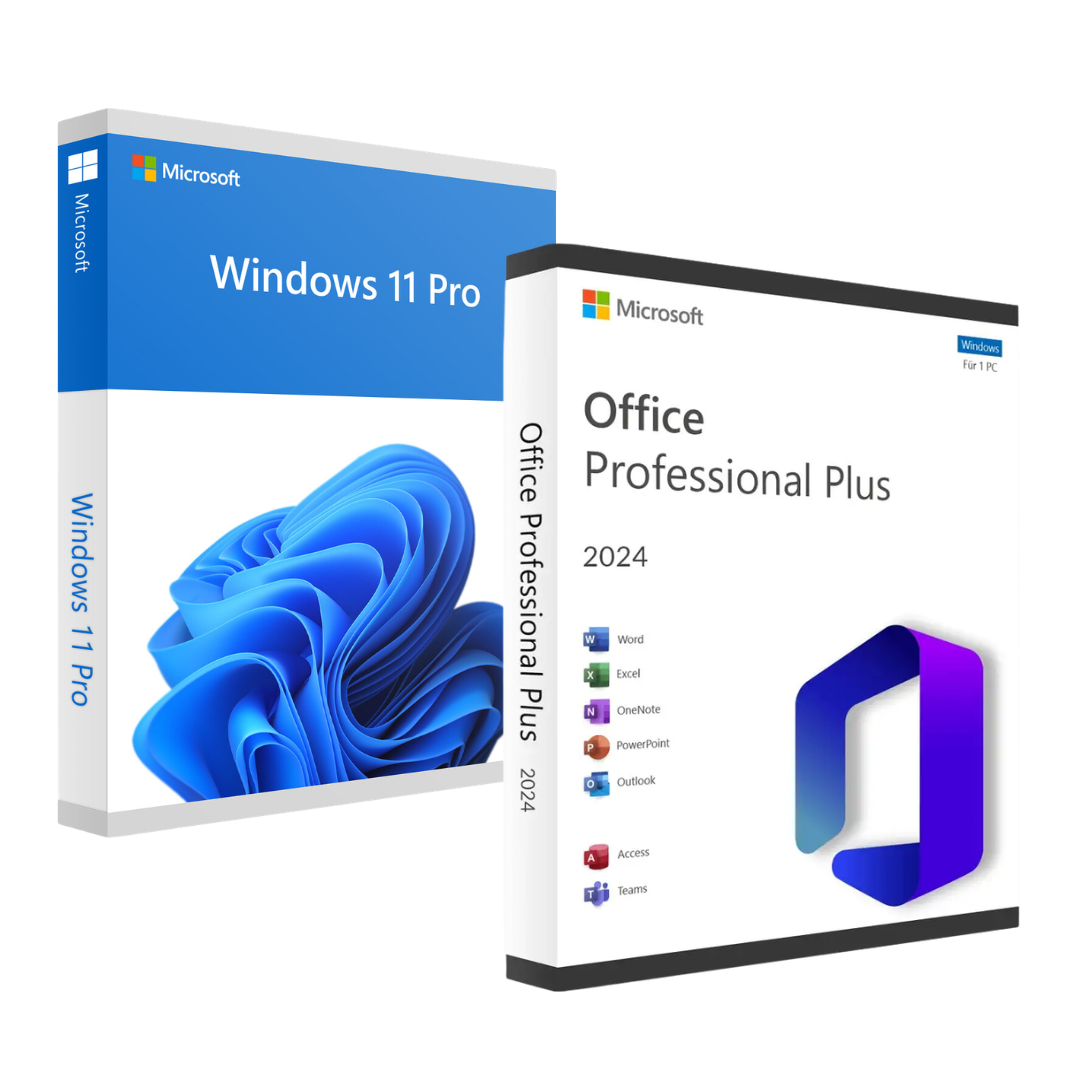


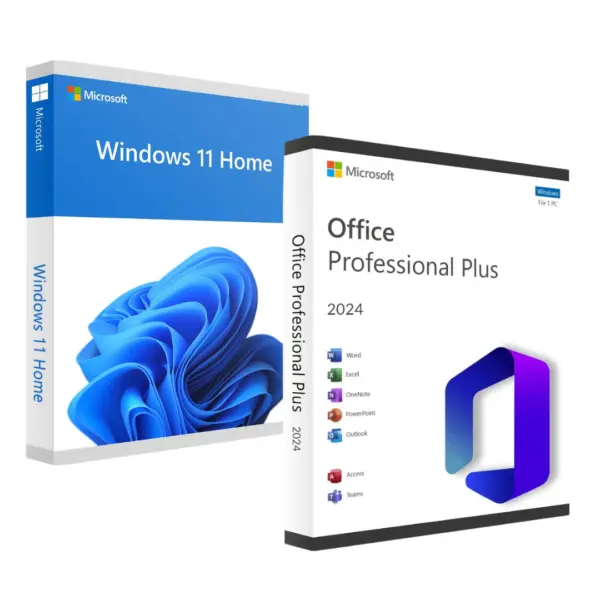
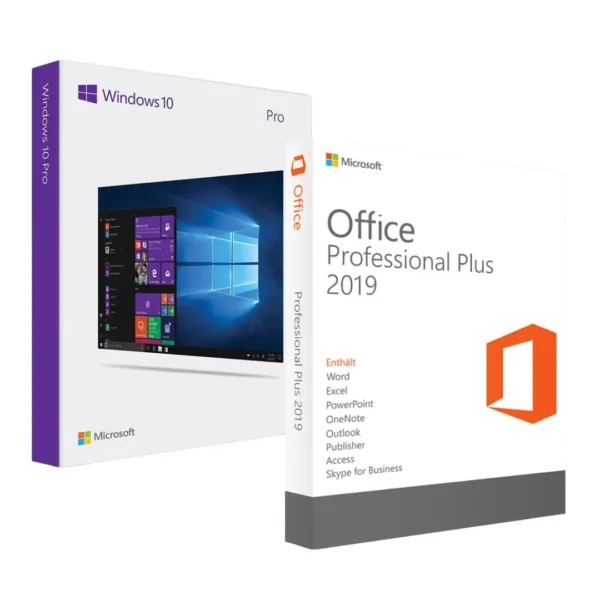
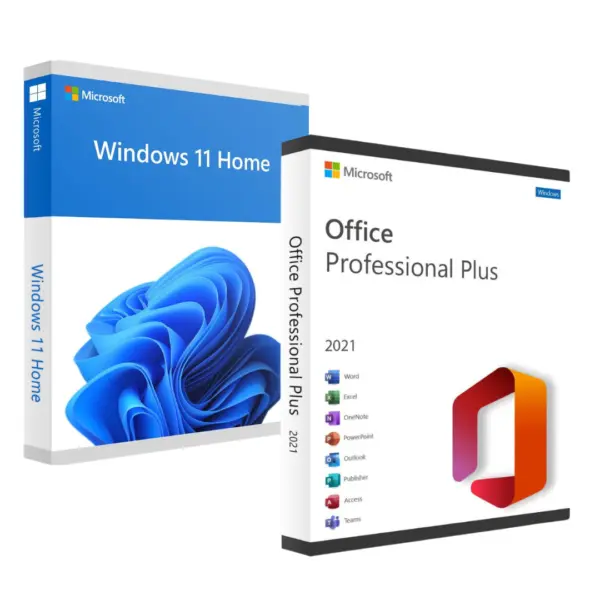
Value Pack to activate Windows 11 Pro and Office 2024 Professional Plus LTSC via phone activation
Exclusive savings pack that combines the essential tools to maximise your productivity. This package includes:
- Windows 11 ProThe latest version of Microsoft's operating system, designed to deliver optimal performance, a modern and intuitive interface, and advanced security and management features for business and professional users. Perfect for everyday work and personal use.
- Office 2024 Professional Plus LTSC: Microsoft’s most comprehensive productivity suite and latest version, which includes essential applications such as Word, Excel, PowerPoint, Outlook, Access and Publisher. Ideal for project management, document creation and effective communication.
Windows 11 Pro: 25 digit digital license to activate 1 PC. Only valid for Windows Pro, if you have the home version you can follow our guide.
Office 2024: 25-digit digital licence to activate Office on 1 PC. Valid only for the Professional Plus LTSC version. Office 2024 includes the full Office suite for Windows PCs: Word, Excel, PowerPoint, Outlook, Access and OneNote.
A Windows licence of the “Phone Activation” type; the key is linked to your PC permanently, quickly and easily.
What is telephone activation and how does it work?
⚠️ Important: Office 2024 LTSC cannot be activated via setup.office.com, as with previous versions. Telephone activation is the only valid method for this licence and is Microsoft’s official process. You do not need to speak to anyone — it is a fully automated system.
Steps to activate Office 2024 with telephone activation
- Download Office 2024 from the official link you will receive with your order (not from setup.office.com).
- Install Office on your PC - the process takes about 10 minutes.
- Open any Office application (e.g. Word) and go to File → Account → Activate product and enter the 25-character key received by email.
- When the wizard asks you how to activate, select «I want to activate the software by phone».».
- The system generates a Installation ID - enter it into Microsoft's automated system https://aka.ms/aoh.
- You will receive a Confirmation ID - enter it in the wizard to complete the activation.
 Office 2024 is permanently activated on your PC.
We include detailed instructions with every order. If you have any questions at any step, our 24/7 technical support helps you by WhatsApp or email in minutes.
 Spanish
 English
 Italian
 Dutch
Dutch Portuguese
 German
 Polish
 French