

If, when you try to activate your licence, a message appears stating that the process cannot be completed automatically, you can Activate Office 2024 by phone in just a few minutes — and without even having to pick up the phone, thanks to the official tool aka.ms/aoh from Microsoft, which is much more convenient than a traditional phone call. In this guide, we explain step by step how to do it, and what to do if you don’t yet have your licence.
Steps to activate Office 2024 by phone:
Step 1: Open the Office 2024 activation wizard
Open any application from the suite (Word, Excel, etc.) and start the licence activation process.
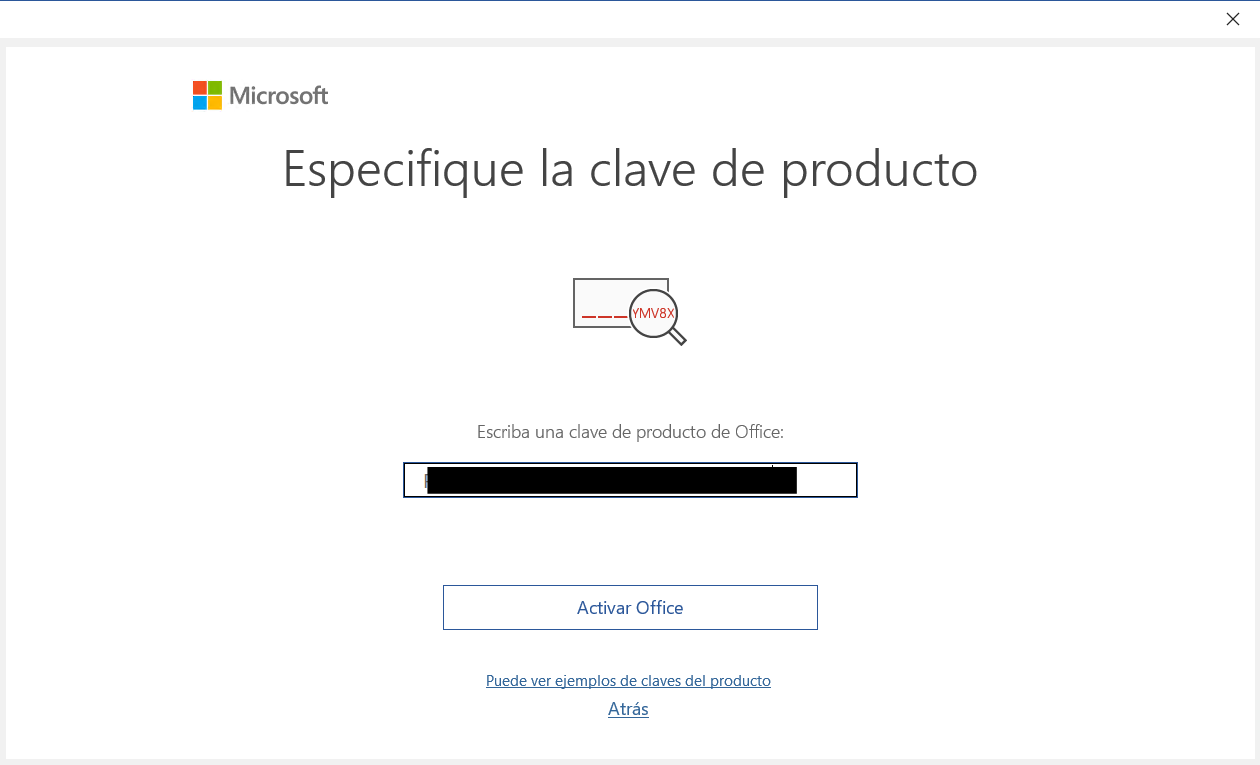
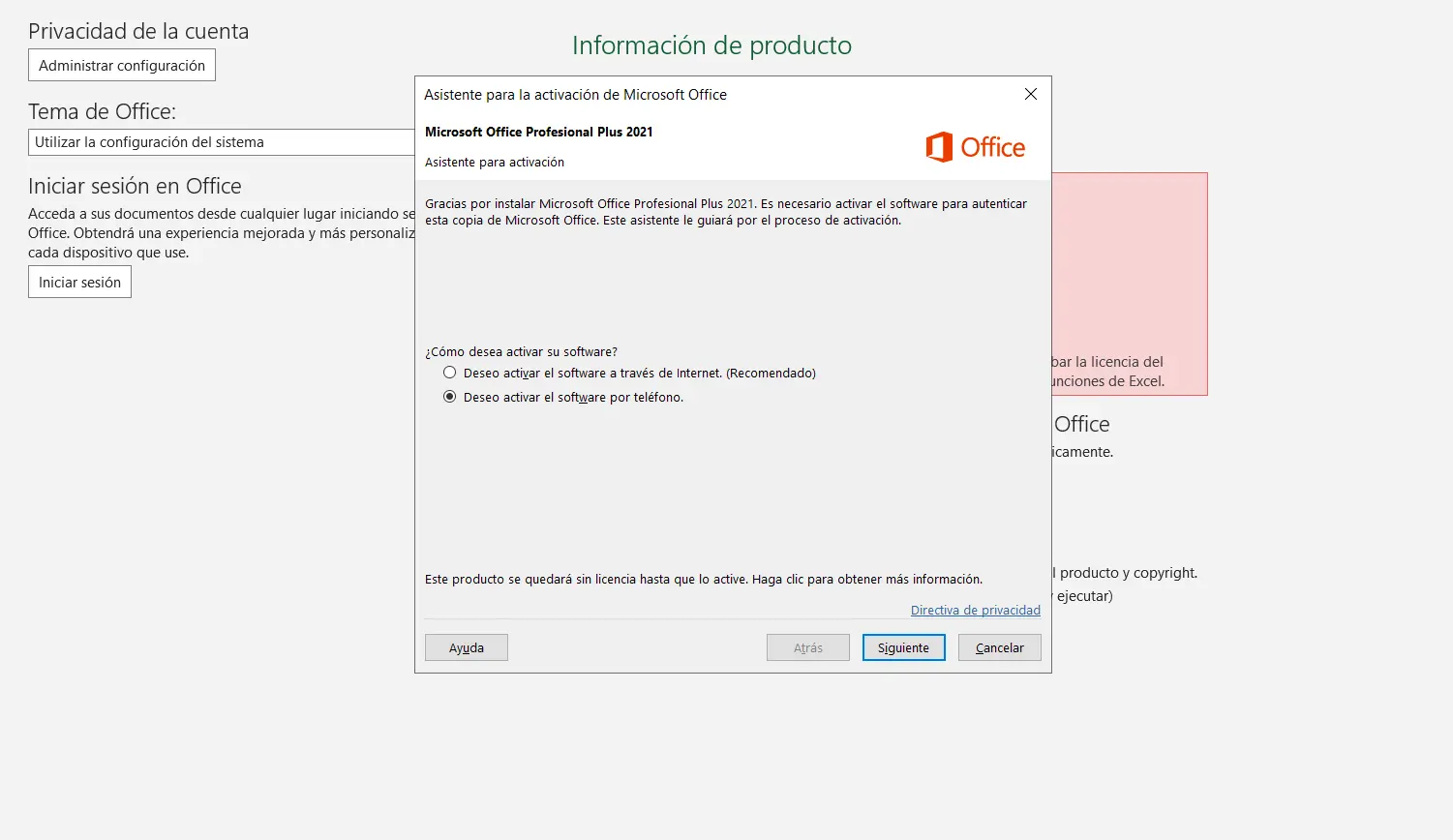
Step 2: Select «I’d prefer to activate the software by phone»
When the wizard asks you how you’d like to activate it, choose this option and select your country. It will show you a Installation ID split into groups — you’ll need this in the next step.
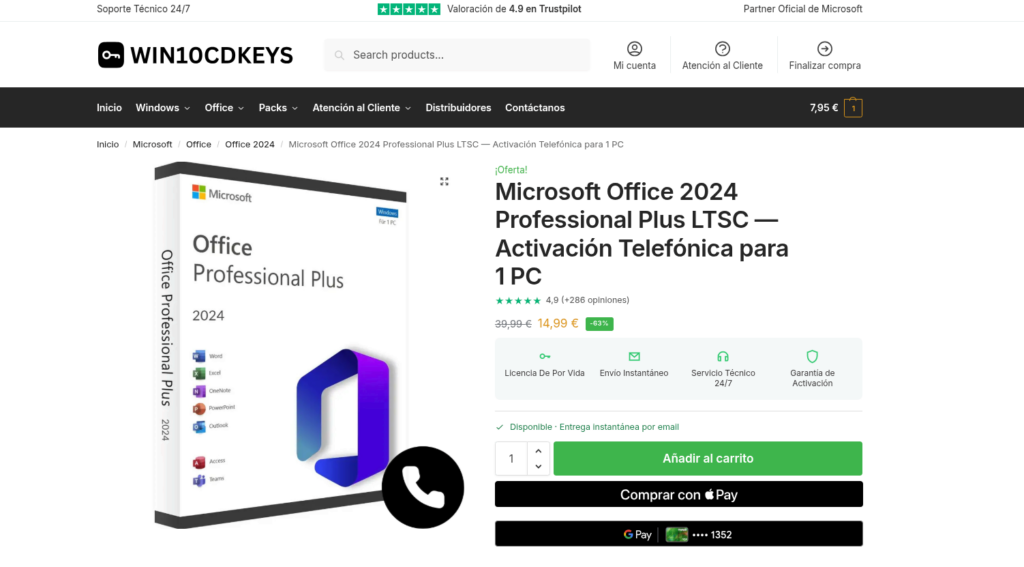
Step 3: Purchase an Office 2024 licence (if you don’t already have one)
Without an original licence, you won’t be able to complete the activation, either by phone or online. If you don’t have one yet, get your Office 2024 licence — You’ll receive it by email in a matter of seconds and can move on to step 4 as soon as you’ve got it.
Step 4: Use aka.ms/aoh instead of calling
Instead of dialling the phone number, go to aka.ms/aoh from your mobile or computer’s browser — it’s the same official Microsoft phone activation process, but online: you enter the same installation ID and the system gives you the confirmation ID straight away, with no waiting or automated voice prompts. It’s the most convenient way to Activate Office 2024 by phone these days.
Step 5: Enter the confirmation ID and activate Office
Copy the confirmation numbers provided by aka.ms/aoh (or the phone call, if you prefer the traditional method) and enter them into the Office activation wizard. Click «Activate» and your Office 2024 will be permanently activated.
Would you prefer automatic online activation of 100%?
The version of Office 2024 we sell uses telephone activation (aka.ms) because it is a volume licence (LTSC), which is more economical. If you’d prefer everything to be done automatically when you enter the product key, without any additional steps, the alternative is Office 2021 Retail, which activates in seconds via the internet only. Both are genuine licences with the same warranty.
Common problems when activating Office 2024 by phone
If aka.ms/aoh or the automated system does not recognise your installation ID, check that you are copying it correctly from the screen (it’s easy to confuse a 0 with an O). If it still doesn’t work after several attempts, don’t keep trying on your own — our 24/7 technical support It guides you through the process or provides a replacement key if the problem is with the licence, not the activation method.
In short: activating Office 2024 by the phone is easier with aka.ms/aoh
- Use aka.ms/aoh instead of phoning — same result, no waiting on the phone.
- You need a original licence before you can activate it, either by phone or online.
- If you’d prefer not to take any extra steps, Office 2021 Retail activates automatically.
- Support 24/7 if either method fails.
Get your original Office 2024 licence with immediate delivery by email — if you need to activate it by phone, we’ll be there to help you until the issue is resolved.
Is it free to activate Office 2024 by the phone?
Yes, both the call and the use of aka.ms/aoh are free — it’s an official Microsoft service included with your licence, not a separate charge.
What is the installation ID and where can I find it?
This is the long number displayed by the Office wizard when you choose telephone activation, divided into several groups of digits. You’ll need it whether you’re calling by phone or using aka.ms/aoh — without it, you won’t be able to continue the process.
 Spanish
 English
 Italian
 Dutch
Dutch Portuguese
 German
 Polish
 French