

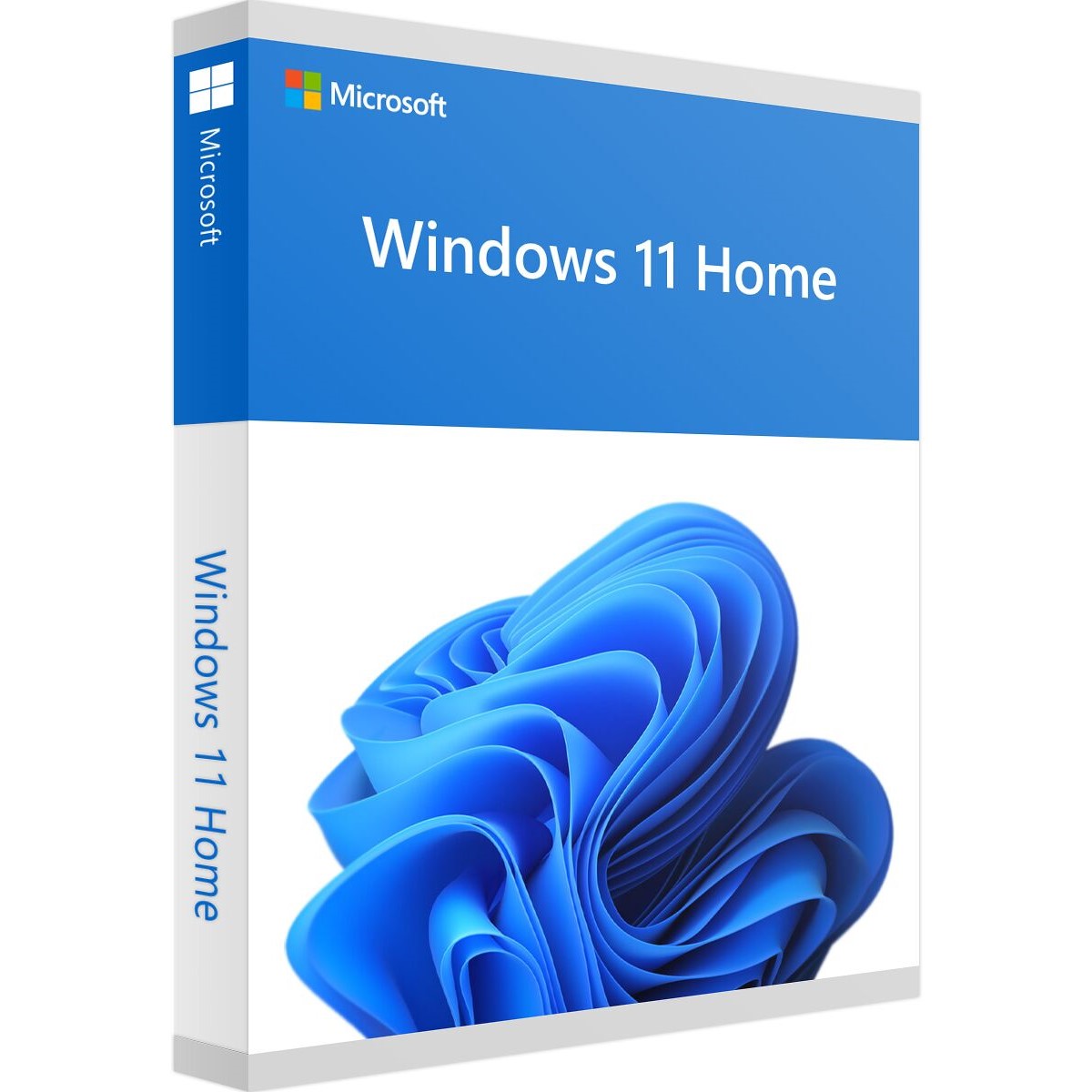

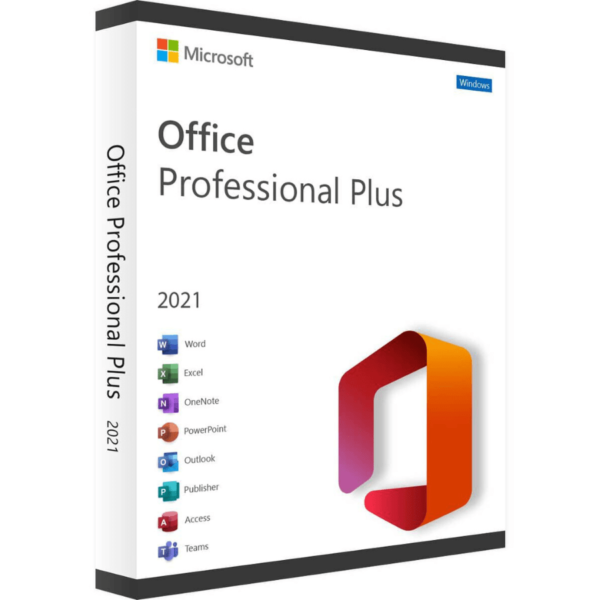
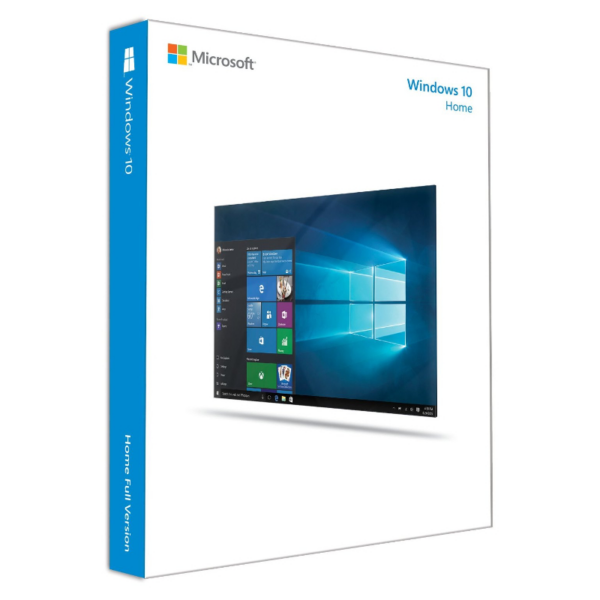
Windows 11 Home Key OEM - Genuine Digital License
Get your Genuine Windows 11 Home OEM product key and enable the
Microsoft’s latest operating system on 1 PC with a permanent digital licence, with no monthly fees.
If you are looking for buy Windows 11 Home Genuine and inexpensive – this is the most economical option for your kit.
What's included
- Original 25-digit product key
- Licence permanent for 1 PC (32-bit and 64-bit)
- Immediate digital delivery by email
- Invoice and activation certificate included
Who is Windows 11 Home aimed at?
This Windows 11 Home licence It’s ideal for home use: browsing the internet, studying, working from home and playing games.
The edition designed for use personal and domestic: study,
leisure, web browsing and basic work. If you need advanced features
(Remote Desktop, BitLocker, corporate domain), see our
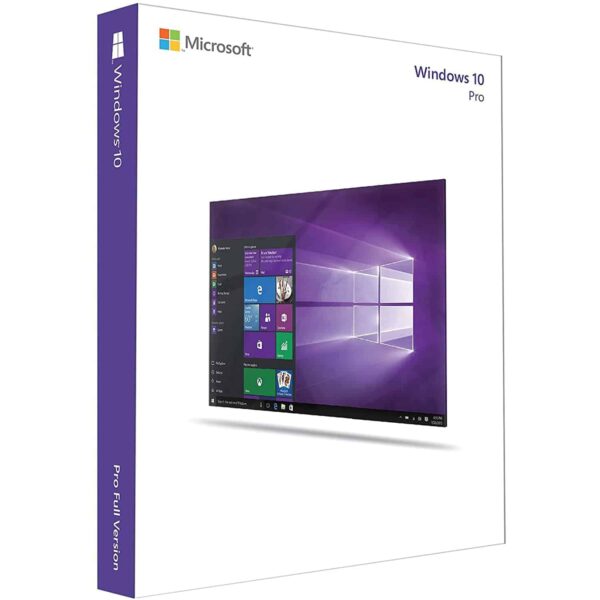
Windows 11 Pro product key.
How to activate Windows 11 Home
- You’ll receive the password straight away by email
- Go to Configuration → System → Activation
- Enter your Windows 11 Home product key
- Automatic activation in seconds
Warranty and support
Guaranteed activation or a free replacement key. 24/7 support via
WhatsApp and email. Rated 4,9/5 on Trustpilot.
Frequently asked questions
Can I upgrade from Home to Pro at a later date?
Yes, you can buy a Pro upgrade key at any time without
lose your files or programmes.
Is my PC compatible with Windows 11?
You need to have TPM 2.0 and Secure Boot enabled in the BIOS/UEFI. If you have any questions,
Our 24/7 support helps you check this before you buy.
How do I activate Windows 11 Home?
For Activate Windows 11 Home, open Settings → System → Activate and enter your password.
 Spanish
 English
 Italian
 Dutch
Dutch Portuguese
 German
 Polish
 French