

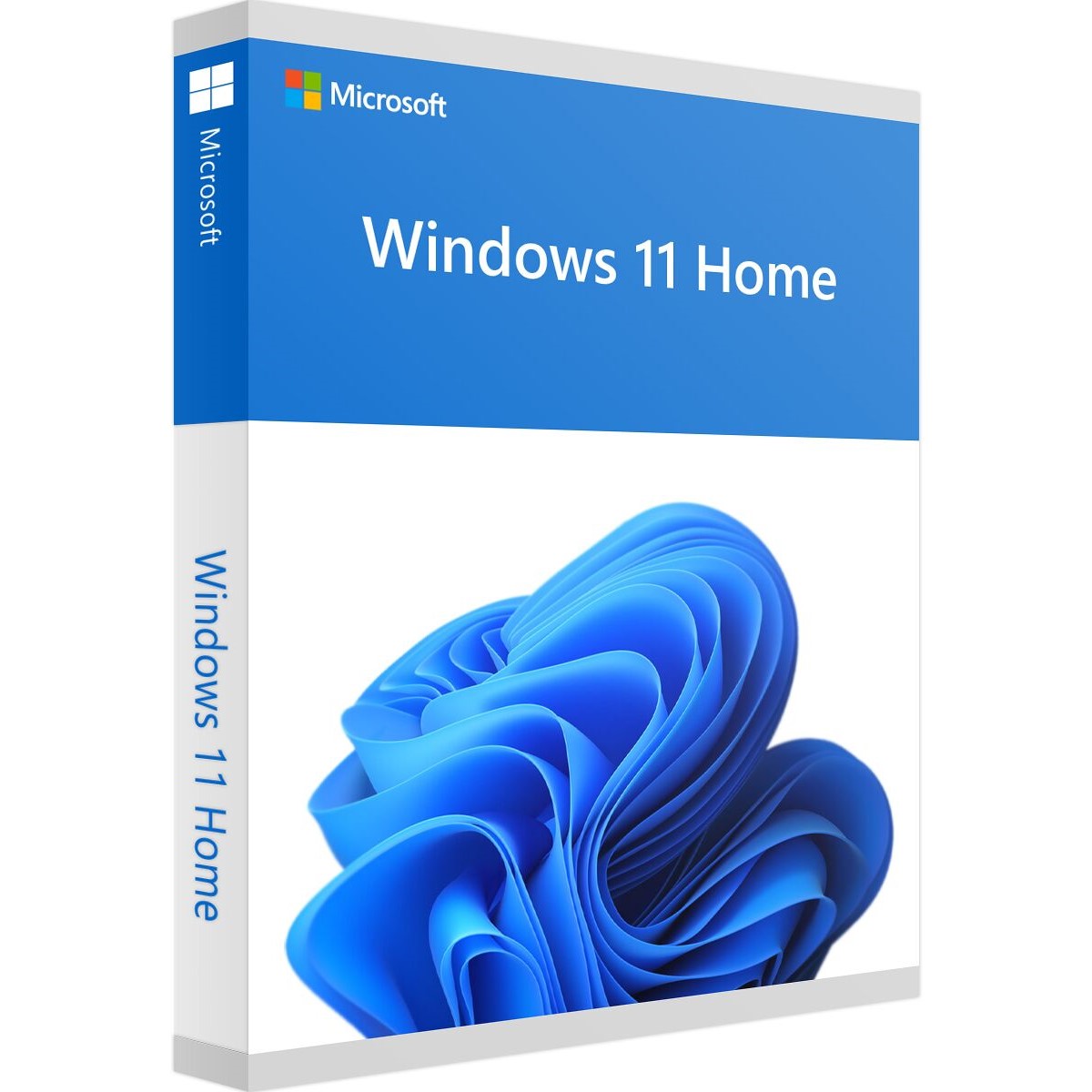

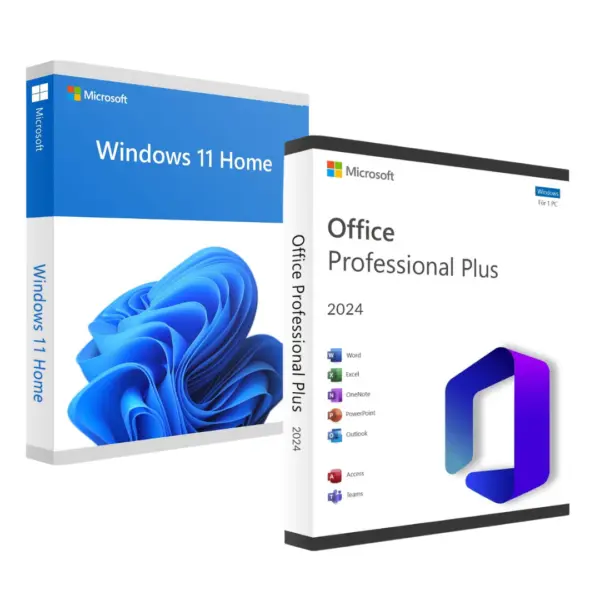
Windows 11 Home OEM key — genuine licence for your PC
Buy your genuine Windows 11 Home key and activate the home edition of Windows 11 on 1 PC with a permanent licence, with no monthly fees. It's the most affordable way to get legal, up-to-date Windows 11: you pay once and receive your Windows 11 Home key by email within minutes.
What's included with your Windows 11 Home licence
- Genuine 25-character product key for the Home edition (64-bit)
- Permanent OEM licence for 1 PC, with all Windows updates
- Instant digital delivery by email, nothing shipped
- Link to the official Microsoft download and step-by-step instructions
- Invoice and activation guarantee: if the key doesn't work, we'll send you another one free of charge
What does an OEM licence mean?
OEM is the type of licence Microsoft grants to manufacturers for computers sold with Windows pre-installed. It works just like the boxed version: same features and same updates. The difference is that it stays tied to the first PC you activate it on. If you need to move it to another computer, there's the Retail version.
Who is Windows 11 Home for?
The Windows 11 Home licence is the edition designed for home use: studying, working from home, browsing, streaming and gaming. It includes everything a home user needs: Microsoft Defender, Windows Hello, the new Start menu, Snap Layouts, Microsoft Edge and DirectX 12 Ultimate for gaming.
If you use your computer for sensitive data or in a business (BitLocker, Remote Desktop, domain join, Hyper-V), choose the Windows 11 Pro key.
Is Windows 11 Home enough for you?
| Windows 11 Home | Windows 11 Pro | |
|---|---|---|
| Best for | Home, study, leisure | Work, freelancers, business |
| BitLocker and Remote Desktop | No | Yes |
| Price | The cheapest | A little more |
| Upgrade to Pro later | Yes, no reinstall needed | — |
Not sure which edition to choose? We compare them in detail in our guide: Windows 11 Home or Pro: which should you buy?
How to activate your Windows 11 Home key
- You receive your Windows 11 Home key by email as soon as payment is complete.
- If it's a new PC, download Windows 11 from the official Microsoft website and install it, choosing the Home edition.
- Go to Settings → System → Activation and click Change product key.
- Enter the 25 characters. Windows is activated within seconds.
Installation requirements
A 1 GHz 64-bit processor with 2 or more cores, 4 GB of RAM, 64 GB of storage, TPM 2.0 y Secure Boot enabled in the BIOS/UEFI. You can check this using the tool PC Health Check from Microsoft. If you have any queries, our support team is on hand to help you before you buy.
See all Windows 11 licences
Guarantee and support
Guaranteed activation or a free replacement key. 24/7 support via WhatsApp and email. Over 30,000 customers and rated 4.9/5 on Trustpilot.
Frequently asked questions about the Windows 11 Home licence
Is the licence permanent? Yes. It's a permanent licence for 1 PC: it never expires and receives all Windows 11 updates.
Can I use the key on another computer? The OEM licence stays tied to the first PC you activate it on. You can reinstall Windows on that PC as many times as you like.
Can I upgrade from Windows 11 Home to Pro later? Yes, with a Windows 11 Pro key and without losing any files or programs. We explain how in our guide to upgrading from Home to Pro.
How long does the key take to arrive? Usually a few minutes after payment. You'll receive it by email and in your account.
Is the Windows 11 Home key genuine? Yes. It's a Microsoft key that activates on Microsoft's servers, just like the one on a new PC. If activation fails, we'll send you another one free of charge.
Does it work in any language? Yes. You choose the language when you download Windows 11 and the same key activates it.
 Spanish
 English
 Italian
 Dutch
 Portuguese
 German
 Polish
 French