

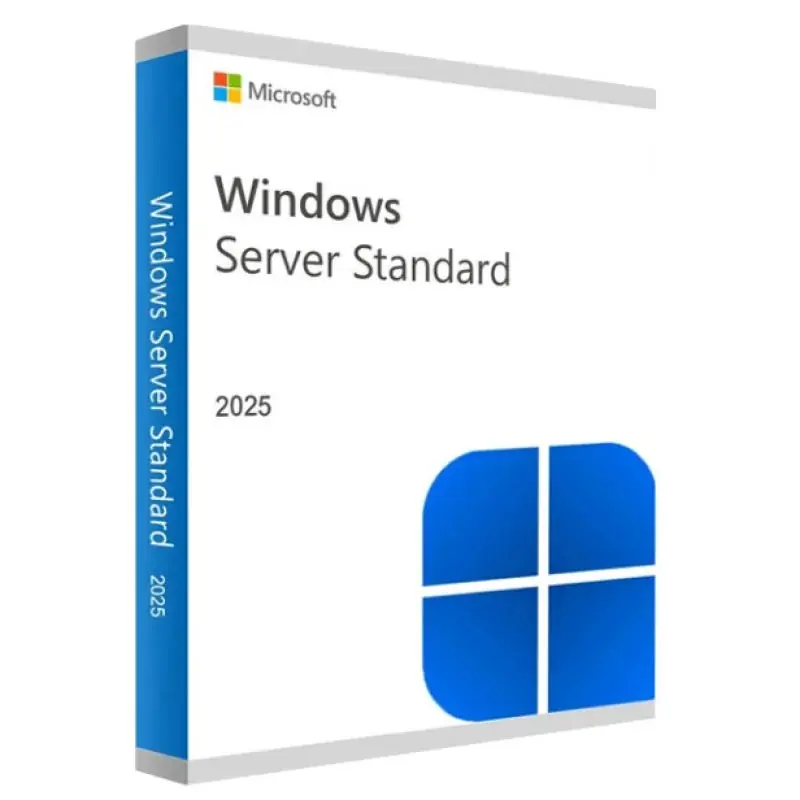

Windows Server 2025 licence: the current version from Microsoft
Perpetual licence for Windows Server 2025 for 1 server, in edit mode Standard o Data centre. This is the latest version of Windows Server, with general support until 14 November 2029 and extended support until 15 November 2034: the option to set up a new server or migrate from Windows Server 2016, which will reach end of support on 12 January 2027.
You receive the Windows Server 2025 product key by email within a few minutes, with a link to the official Microsoft ISO file and activation instructions.
Technical specifications
| Product | Windows Server 2025 Standard / Datacentre |
| Licence | Permanent, one-off payment, for 1 server |
| Cores | Basic licence for up to 16 cores |
| Virtualisation | Standard: 2 virtual machines · Datacentre: unlimited |
| Microsoft Support | General until 14 November 2029 · Extended until 15 November 2034 |
| Installation | With desktop or Server Core experience |
| Activation | Online, in minutes. Password not linked to a Microsoft account |
| Delivery | Digitally, by email, in minutes |
| Invoice | With VAT itemised (excluding VAT where an intra-Community VAT number is provided) |
Standard or Datacentre: which one to choose
- Windows Server 2025 Standard: For physical servers or those with minimal virtualisation (up to two virtual machines). This is what most SMEs need: a domain controller, a file server, a print server or business management applications.
- Windows Server 2025 Datacentre: to virtualise comprehensively, with an unlimited number of virtual machines on the same server.
What’s new in Windows Server 2025
- Hotpatch: Install security updates without restarting (via Azure Arc).
- A revamped Active Directory: a new level of functionality, along with improvements to security and performance.
- SMB over QUIC in all editions, to access shared folders securely without a VPN.
- Better performance with NVMe drives and Hyper-V enhancements.
- Windows 11-based interface.
Minimum requirements
A 64-bit processor running at 1.4 GHz, compatible with SSE4.2 and POPCNT, 2 GB of RAM for the desktop experience (512 MB in Server Core), 32 GB of disk space and a network adapter. Some security features require TPM 2.0 and UEFI Secure Boot.
Users and Remote Desktop
The server licence does not include access licences. Each user or device requires a Windows Server CAL, and to connect via Remote Desktop, a RDS CAL. We explain how it works in Windows Server licences.
Would you prefer a more affordable option?
If your programmes are accredited for 2022, the Windows Server 2022 Standard licence It is supported until 2031.
Frequently asked questions
Is the Windows Server 2025 licence permanent? Yes. You pay once and it never expires.
Can it be used to upgrade from Windows Server 2019 or 2022? Yes. You can upgrade on the same server or install from scratch using the official ISO.
How many cores does it cover? A server with up to 16 cores, which is Microsoft’s base licence.
Does it include user CALs? No. CALs are purchased separately, depending on the number of users or devices.
How long will it take to arrive? Usually a few minutes after payment, by email and in your account.

 Spanish
 English
 Italian
 Dutch
Dutch Portuguese
 German
 Polish
 French